
Leaving VMware: from vCenter to a Proxmox cluster
The same precision engineering manufacturer left vCenter for a Proxmox cluster, with no rollback needed and downtime from zero to six hours per server.
Context
Later, the company added ESXi hosts to its cluster. Each new host raised the vSphere licence bill, and the company wanted more control over its virtualization stack.
Constraint
About 65 production virtual machines had to move with as little downtime as possible, with backups running and a way back for every server.
What we did
- Prepared each virtual machine: removed old snapshots, uninstalled VMware Tools and recorded its network settings.
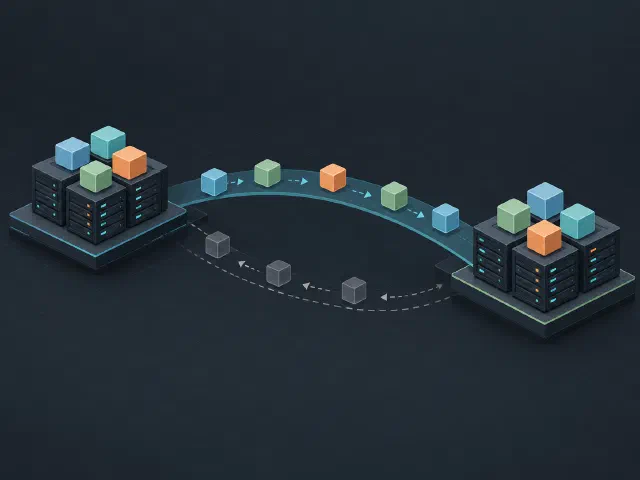
- Moved each one with the method that suited it: Veeam restore and replication, Veeam Instant Recovery with block-level replication, the Proxmox import wizard connected to vCenter, and Proxmox live import once Proxmox VE 8.2 shipped it.
- Kept a rollback ready for every server.
- When two disks failed three hours apart in an ageing host’s RAID 6 array, under the extra I/O of the migration, the array was left with no redundancy. We paused the migration on that host, checked the Veeam configuration and moved its virtual machines to a host whose move to Proxmox was almost complete.
Result
No rollback was needed. Downtime per server ranged from none to six hours, depending on the method. vSphere licences are no longer needed, and the company controls its whole virtualization stack. It still protects the cluster with Veeam Backup & Replication, monitors it with Zabbix, and is looking at Proxmox Backup Server.
Stack
Proxmox VE cluster, VMware vSphere and vCenter, Veeam Backup & Replication, Zabbix.